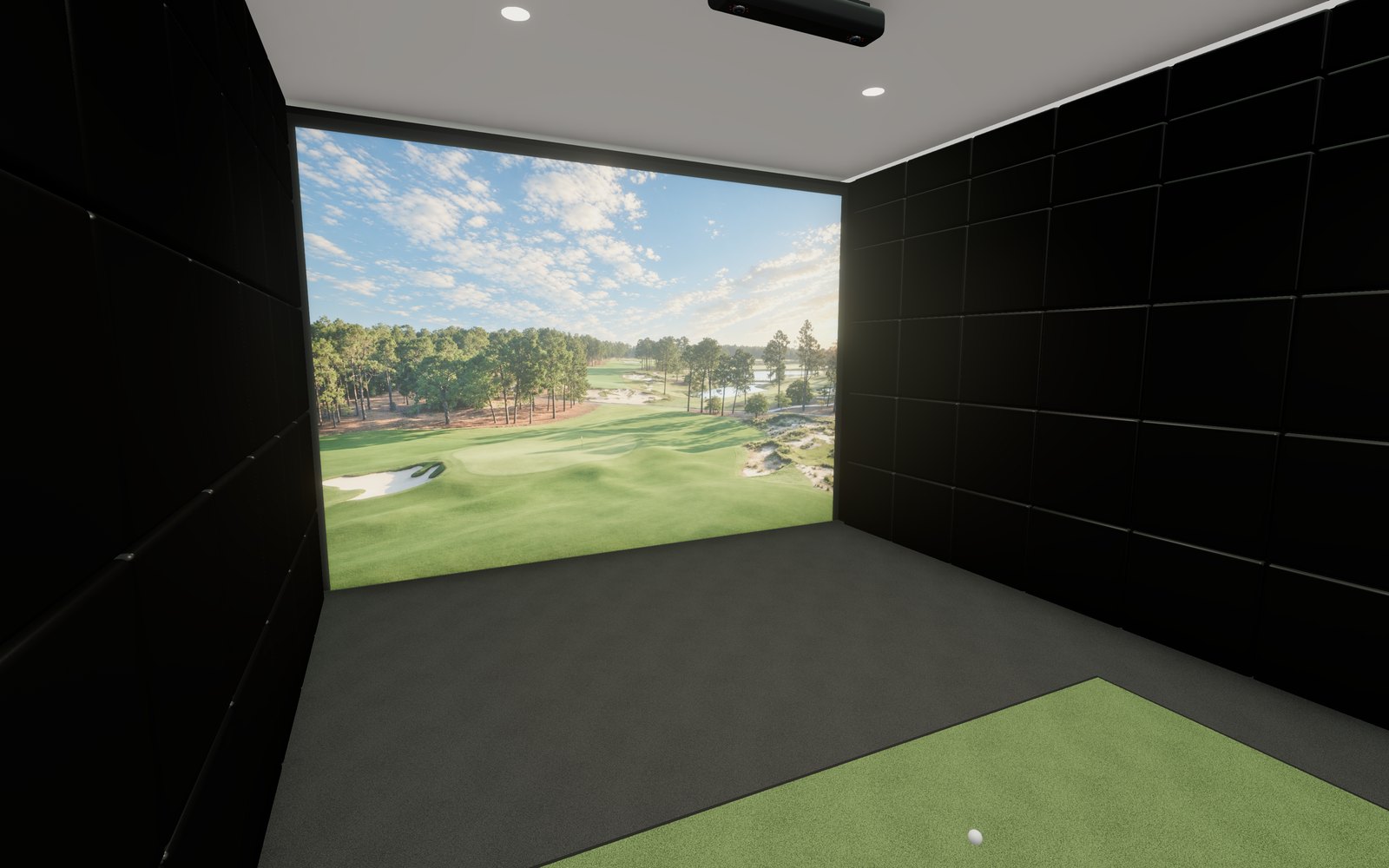
Laser Projectors
Looking for the perfect projector for your golf simulator? You’re in the right place. Whether you need short throw for a tight enclosure, true 4K resolution for hyper-realistic visuals, or laser power for long-lasting brightness, we’ve curated the top options for every setup and budget.
Products


Buying guide
How to Choose the Right Golf Simulator Projector
Quick-Buy Checklist
- Short throw ratio (under 1.0) to avoid shadows
- 1080p or 4K resolution for clear ball flight
- Brightness of 2,500–5,000 lumens depending on room light
- Low input lag for quick shot feedback
- Laser or LED light source for low maintenance
When building your sim setup, the right projector makes all the difference. Match your enclosure width with the proper throw ratio, aim for higher lumens if you’re not in a dark space, and always consider long-term maintenance. If you want a low-lag experience for GSPro or E6 Connect, prioritize gaming modes and response time under 30ms.
Not sure what you need? Start by measuring your throw distance and screen size, then browse the collections below to compare your best-fit options.

Optoma Golf Simulator Projectors
Optoma projectors are trusted across the simulator space for their laser-based brightness, reliability, and compact designs. Their short throw lineup covers a range of budgets and room sizes, from entry-level setups to professional installations.
These projectors are especially strong when it comes to brightness in rooms with ambient light and ease of ceiling mounting in tight spaces.

BenQ Golf Simulator Projectors
BenQ offers some of the best purpose-built golf simulator projectors on the market. With features like ultra-low input lag, high dynamic range support, and sharp color tuning, they’re a top choice for players who want lifelike course visuals and responsive swing playback.
The lineup spans 1080p and true 4K, with both LED and laser options built for long-term performance.

Still Deciding? Read Our Golf Simulator Projector Buyer’s Guide
If you’re comparing throw ratios, room sizes, and 4K options, our in-depth guide breaks it all down — including real setup tips and expert picks for every budget.
Questions
Common questions
What is the ideal throw ratio for a golf simulator projector?
How many lumens are necessary for clear visibility in a golf simulator?
Is 4K resolution necessary for a golf simulator projector?
What is keystone correction, and why is it important?
Should I choose a laser, LED, or lamp-based projector for my simulator?
Where should I mount my golf simulator projector?
What aspect ratio is best for a golf simulator projector?
How important is input lag in a golf simulator projector?
Reviews
What customers say about Rain or Shine
“Great customer service, great communication. Rain or Shine is where I get all of my simulator purchases!”
“My experience with rain or Shine has been outstanding. They were super helpful and quick to respond to any problems I had”
“I always love working with the team at Rain and Shine Golf.”
“Fantastic service. Reached out via chat for an order and had it placed within a few minutes and receive a shipment notification the same day. Highly recommend Rain or Shine!”
“Rain or Shine Golf has been amazing. I had questions about the product and they answered right away. They kept me informed throughout the entire process. I would definitely recommend them to anyone.”
“Rain or Shine was great to work with. Answered questions and the delivery was super fast.”
Free design consultation
Not sure which one fits your room?
Book a free design consultation. Share your room size and how you want to play, and we will help you pick a setup that fits.
Sim Builder
Build your golf simulator
Start with your room, then pick every piece in the order a room gets built. Everything is checked against your space, so nothing lands in your cart that won't fit. Watch it come together in 3D, then send it to a designer for a quote.
- Your room
- Technology
- Screen and enclosure
- Turf and flooring
- Room finishings
- Next-level accessories